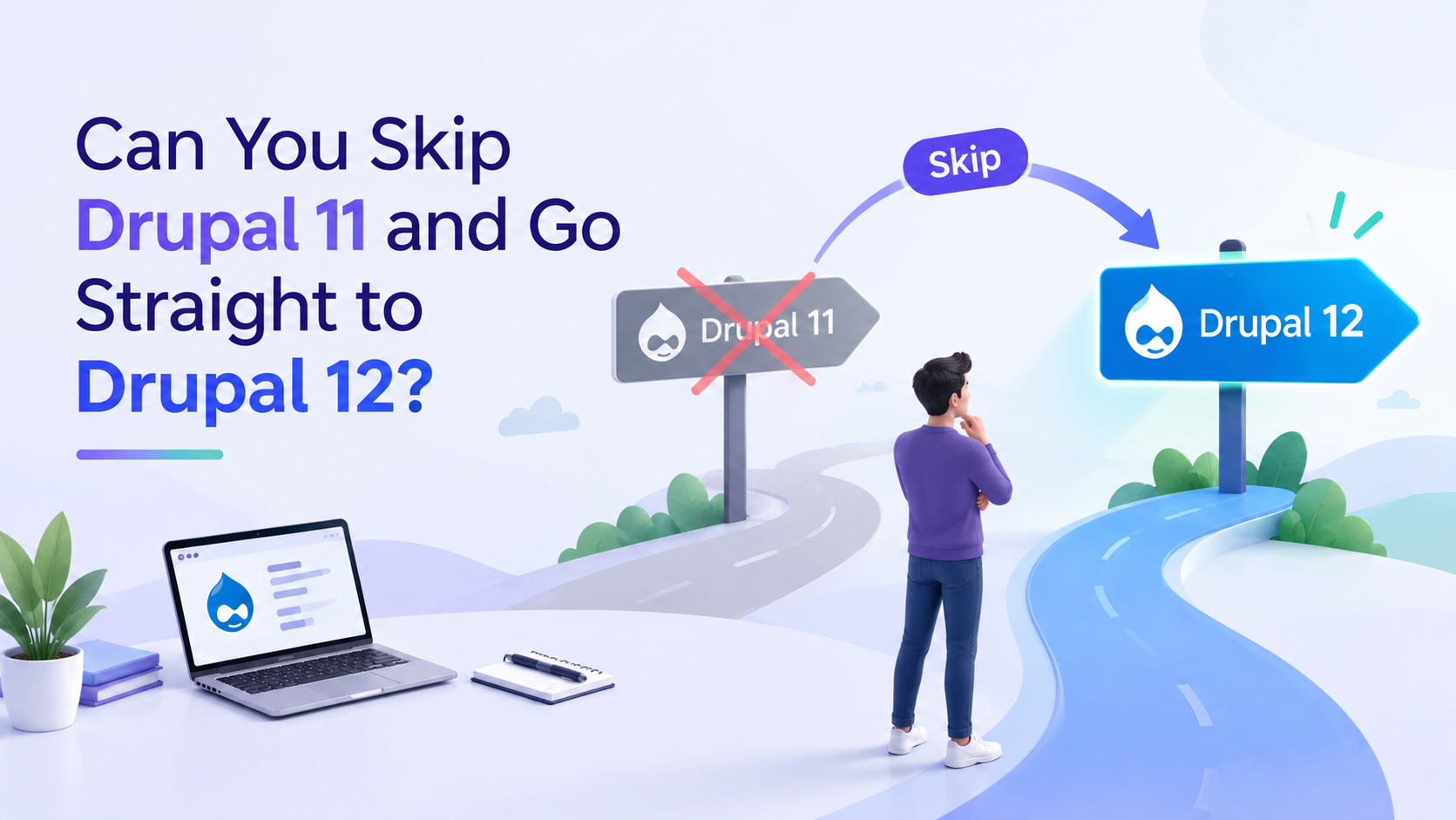
Can You Skip Drupal 11 and Go Straight to Drupal 12?

 October 12, 2026
With Drupal 12 launching the week of December 7, 2026 and Drupal 10 reaching end of life on December 9, 2026, a lot of site owners are asking the same question. Why upgrade to Drupal 11 first? If Drupal 12 is coming anyway, can you just wait and go straight there?
On the surface it makes sense. The reality is different, and for most sites the shortcut ends up costing more time than it saves. This guide explains exactly what happens at each point in the upgrade chain, what the December deadline means for your site, and what you need to do before you can safely migrate to Drupal 12 — with or without going through Drupal 11 first.
Step 1: Understand What Drupal 11 Actually Does in the Upgrade Chain
Every Drupal major version introduces deprecated code that still works but is marked for removal in the next version. Drupal 11 deprecated a range of APIs, functions, and methods that were still available in Drupal 10. Drupal 12 removes those deprecated items entirely.
If your site runs contributed modules or custom code that uses deprecated Drupal 10 APIs, those will break on Drupal 12. Not gradually. Hard failures at the point of upgrade.
Drupal 11 is where you find out which parts of your site are ready for Drupal 12 and which are not. The Upgrade Status module runs on Drupal 11 and scans every module on your site against Drupal 12 compatibility data. Skip Drupal 11 and you are going into a major upgrade without that scan. You will find the problems eventually — just at the worst possible moment, with the Drupal 10 deadline already passed.
Think of Drupal 11 not as a version you install and run for years — though many organizations will — but as the diagnostic layer that makes Drupal 12 upgrades predictable instead of reactive.
Step 2: Check Your Current Drupal Version Before Deciding Anything
Your upgrade path depends entirely on where your site is today. The answer to "can I skip Drupal 11" is different depending on which version you are coming from.
Drupal 7: Drupal 7 reached end of life on January 5, 2025. The architecture is fundamentally different from Drupal 8 onwards. You cannot skip to Drupal 12 from Drupal 7. Migration from Drupal 7 to modern Drupal is effectively a rebuild using the Drupal Migrate module to import content, users, and configuration. Migrate to Drupal 11 now. By the time the project is complete, Drupal 12 will be stable and the 11-to-12 jump will be straightforward. With Drupal 7 now past end of life, this migration is urgent — every week of delay is a week of unpatched security exposure.
Drupal 9: Drupal 9 reached end of life in November 2023. There is no direct path from Drupal 9 to Drupal 12. The path is Drupal 9 to Drupal 10, then Drupal 10 to Drupal 11, then Drupal 11 to Drupal 12. Each step resolves the deprecations of the version before it. Attempting to skip multiple versions creates compounding compatibility problems that are expensive to diagnose mid-upgrade.
Drupal 10: This is where the skip question comes up most often. Skipping to Drupal 12 is technically possible in some cases — specifically, sites with a small number of well-maintained contributed modules that are already Drupal 12 compatible. For most sites with custom code, complex contributed module stacks, or third-party integrations, skipping Drupal 11 is high risk. Use Drupal 11 as the bridge.
Drupal 11: You are in the best position. Run the Upgrade Status module now to check your Drupal 12 readiness. Plan your Drupal 12 upgrade for early-to-mid 2027, once the module ecosystem has had a few months to stabilize after the December launch. There is no urgency to migrate on day one of Drupal 12 release.
Step 3: Run the Upgrade Status Module Before Any Major Decision
If you are on Drupal 10 or Drupal 11, install the Upgrade Status module and run it before you plan anything else. This is the single most important diagnostic step in any Drupal upgrade path decision.
The Upgrade Status module checks every module on your site against compatibility data for the next major Drupal version. It tells you which contributed modules are already compatible with the next version, which are in progress, which are unmaintained and need to be replaced or removed, and which custom code contains deprecated API calls that need to be rewritten.
On Drupal 10, the module scans against Drupal 11 compatibility data. On Drupal 11, it scans against Drupal 12 compatibility data. This is exactly why skipping Drupal 11 creates a diagnostic blind spot — on Drupal 10, you cannot get the Drupal 12 readiness scan. You only get the Drupal 11 readiness scan. To know whether your site is Drupal 12 ready, you need to be on Drupal 11.
Before any timeline or cost estimate for a Drupal upgrade is meaningful, the Upgrade Status report needs to exist. Without it, every number in the upgrade plan is a guess.
Step 4: Audit Your Contributed Modules for Drupal 12 Compatibility
The Upgrade Status module gives you the report. Reading it correctly is the next step. Module compatibility issues fall into three categories, and the response to each is different.
Compatible modules: No action needed. These modules have Drupal 12 compatible releases available or are already compatible in their current version. They are not the problem.
In-progress modules: The maintainer is working on Drupal 12 compatibility. The timeline varies. Check the module issue queue on drupal.org to understand the status. Some in-progress modules will have Drupal 12 releases available before December. Others will not. This is your list of items to monitor.
Unmaintained or incompatible modules: These are the blockers. If a module your site depends on has no Drupal 12 compatible release and no active maintainer, you have three options: find a replacement module that provides the same functionality and is Drupal 12 compatible; write a custom replacement; or remove the functionality and accept that loss. None of these options are fast. Finding this during a Drupal 11 upgrade gives you time. Finding it during a Drupal 12 upgrade two days before Drupal 10 end of life does not.
Custom code is a separate audit. Any custom module, theme, or configuration code that uses Drupal 10 APIs marked as deprecated in Drupal 11 will produce hard failures on Drupal 12. The Upgrade Status module flags these, but the fix requires a developer to rewrite the affected code. This work belongs in the Drupal 11 upgrade phase, not the Drupal 12 upgrade phase.
Step 5: Prepare Your Hosting Environment for Drupal 12
Drupal 12 is not just a code change. It changes the server requirements your site runs on, and finding these problems during the upgrade rather than before it is expensive.
Drupal 12 requires PHP 8.3 minimum. If your current hosting environment runs PHP 8.1 or 8.2, your server needs to be updated as part of the upgrade. On shared hosting this may not be possible without migrating to a new server entirely. Drupal 11 already requires PHP 8.3, so upgrading to Drupal 11 forces the environment change that Drupal 12 also requires. Finding the PHP compatibility problem during a Drupal 11 upgrade gives you time to resolve it properly. Finding it mid-way through a Drupal 12 migration two days before Drupal 10 end of life does not.
Composer and Drush are required for Drupal 11 and 12 upgrades. If your current hosting does not allow SSH access, you cannot run Composer or Drush. This means you cannot run the upgrade at all on your current host. You need to move to a host that supports SSH before the upgrade can proceed.
Pantheon and Acquia Cloud are the two most commonly used managed Drupal hosts that include SSH, Composer, and Drush support as standard. Platform.sh is a third option with strong Drupal support and full SSH access. All three provide environment management tools that make PHP version changes straightforward. Moving to one of these before your Drupal upgrade removes the hosting constraint from the upgrade timeline.
Database compatibility is a separate check. Drupal 12 requires MySQL 8.0 or MariaDB 10.6 minimum. If your hosting environment is running older database versions, this is another upgrade that needs to happen in parallel with the server preparation.
Step 6: Understand the December 2026 Deadline and What It Actually Means
Drupal 10 reaches end of life on December 9, 2026. After that date, the Drupal Security Team stops releasing patches for Drupal 10 core and contributed modules. Any vulnerability discovered after that date remains permanently unpatched on Drupal 10 sites.
For a business website, this is a liability. For a government or financial services site, it may be a regulatory compliance issue. Running software past its published end-of-life date is an audit finding in most compliance frameworks, including those covering healthcare data, financial records, and government information systems.
Drupal 12 launches two days earlier, on December 7, 2026. The timing creates a window that looks smaller the closer you get to it. A site on Drupal 10 in November 2026 that decides to wait for Drupal 12 needs to: wait for December 7 launch, verify that all its contributed modules have Drupal 12 compatible releases available, complete the upgrade, and test the site — all before December 9. For most real-world sites with more than a handful of contributed modules, this is not a realistic scenario.
If your site is on Drupal 10 today, the correct path is to upgrade to Drupal 11 now, before December. Then plan your Drupal 12 upgrade for mid-2027 once the module ecosystem has had time to stabilize after the December launch. This is not a conservative choice — it is the only path that keeps your site securely maintained through the end-of-2026 transition.
Step 7: Know What Drupal 12 Actually Changes Under the Hood
Drupal 12 is not a dramatic architectural shift like Drupal 8 was. Understanding what it does and does not change helps set accurate expectations for the upgrade.
Drupal 12 removes all deprecated code that was flagged in Drupal 11. This is the primary source of upgrade complexity — anything your site uses that was deprecated in Drupal 11 will break on Drupal 12. It updates Symfony components to the next major version, which affects some contributed modules that depend on Symfony directly. It drops support for PHP versions older than 8.3 and for database versions older than the minimums stated above.
What Drupal 12 does not change: the content editing experience for site editors, the configuration management workflow, the overall architecture of the Drupal system. For content editors and site administrators, Drupal 12 will feel familiar. The changes are under the hood, at the API and dependency level.
Drupal 12 also builds on the performance improvements introduced in Drupal 11.4, which reduced database and cache lookups by roughly one third compared to Drupal 11.0. Sites starting from a clean Drupal 11 installation and upgrading to Drupal 12 are positioned to carry those performance gains forward. Sites that attempt to skip Drupal 11 and jump directly to Drupal 12 from Drupal 10 may miss intermediate configuration improvements that contribute to those gains.
Step 8: Build Your Upgrade Timeline Based on Your Site's Reality
Every upgrade timeline starts with the same three questions: what version is your site on now, what does your Upgrade Status report show, and when is your target go-live date.
For sites currently on Drupal 10 with a clean Upgrade Status report and no unmaintained modules, an upgrade to Drupal 11 typically takes two to four weeks including testing. For sites with incompatible contributed modules or custom code deprecations, the timeline extends depending on the remediation work required. Plan the module work before you plan the upgrade.
For sites on Drupal 7 or Drupal 9, build in more time. A Drupal 7 migration is a rebuild. A Drupal 9 site needs to step through Drupal 10 and Drupal 11 before reaching a position to assess Drupal 12 readiness. Both paths are achievable before December 2026 with enough lead time. Neither is achievable in the last four weeks before the deadline.
The practical planning benchmark: if your site is not in active upgrade planning by October 2026, the Drupal 10 deadline is genuinely at risk. The modules need to be audited, the hosting environment may need to change, and the testing cycle needs to complete on a staging environment before the production upgrade happens. None of these steps compress well under deadline pressure.
Common Questions — Answered Directly
Can I upgrade from Drupal 10 directly to Drupal 12?
Technically yes, but for most real-world sites it is not recommended. Drupal 11 contains the deprecation layer that allows you to identify and resolve compatibility issues before they become hard failures on Drupal 12. Skipping Drupal 11 means discovering those problems during your Drupal 12 upgrade without the diagnostic tools that Drupal 11 provides. For sites with a small number of well-maintained contributed modules that are already confirmed Drupal 12 compatible, a direct jump may be feasible. For most sites, the safer and more predictable path is through Drupal 11.
What is the correct upgrade path from Drupal 7 to Drupal 12?
There is no direct upgrade path from Drupal 7 to Drupal 12. Drupal 7 uses a different architecture from Drupal 8 onwards. Migration involves rebuilding the site on modern Drupal using the Drupal Migrate module to import content, users, and configuration. Most agencies migrate Drupal 7 sites directly to Drupal 11. With Drupal 7 now past end of life since January 2025, this migration is urgent. By the time a Drupal 7 migration to Drupal 11 is complete, the 11-to-12 upgrade path will be well-established and straightforward.
When does Drupal 12 release?
Drupal 12 launches the week of December 7, 2026. Drupal 10 reaches end of life on December 9, 2026, two days later. The proximity of these dates means that sites still on Drupal 10 in late 2026 have essentially no window to wait for Drupal 12, confirm all their contributed modules are compatible, complete the upgrade, and test the site before the Drupal 10 deadline passes.
What PHP version does Drupal 12 require?
Drupal 12 requires PHP 8.3 minimum. This is the same requirement as Drupal 11. Upgrading to Drupal 11 first forces the PHP environment change, so by the time you reach Drupal 12, the PHP requirement is already met. If you are on Drupal 10 and your hosting runs PHP 8.1 or 8.2, upgrading to Drupal 11 will surface this hosting issue at a point where you have time to resolve it properly.
What is the Upgrade Status module and how does it work?
The Upgrade Status module scans your Drupal installation and reports the compatibility of every contributed module and piece of custom code with the next major Drupal version. On Drupal 10 it reports Drupal 11 readiness. On Drupal 11 it reports Drupal 12 readiness. It tells you which modules need updates, which are unmaintained, and which custom code uses deprecated APIs that need to be rewritten. It is the foundation of any Drupal upgrade plan. An upgrade timeline built without this report is a timeline built on assumptions.
Is Drupal 11 worth upgrading to if Drupal 12 is coming soon?
Yes, for two reasons. First, Drupal 10 reaches end of life December 9, 2026, so remaining on Drupal 10 is not a safe option regardless of Drupal 12. Second, Drupal 11 is the upgrade bridge that prepares your site for Drupal 12 safely. It surfaces the module and custom code incompatibilities that would cause hard failures on Drupal 12, gives you time to resolve them, and ensures your hosting environment meets the PHP requirements that Drupal 12 also needs. Skipping Drupal 11 does not remove this work — it moves it into the riskier context of a Drupal 12 upgrade under deadline pressure.
How long does a Drupal 10 to Drupal 11 upgrade take?
For a site with a clean Upgrade Status report and no unmaintained contributed modules, a Drupal 10 to Drupal 11 upgrade typically takes two to four weeks including testing. Sites with contributed module incompatibilities, custom code deprecations, or hosting environment changes required will take longer — the timeline extends based on the remediation work needed before the upgrade can proceed. The audit and remediation phase is where most of the time goes. The upgrade itself, once the blockers are resolved, is typically fast.
What if my hosting does not support SSH and Composer?
You need to change hosting before you can upgrade to Drupal 11 or Drupal 12. SSH access is required to run Composer, which manages Drupal dependencies, and Drush, which handles database updates and configuration imports. Without SSH, neither tool can run and the upgrade cannot proceed. Pantheon, Acquia Cloud, and Platform.sh are the most commonly used managed Drupal hosts that include SSH, Composer, and Drush support as standard. Moving to one of these before the upgrade removes the hosting constraint from the upgrade timeline and is typically a prerequisite for any Drupal upgrade work.
Can an agency do the Drupal 11 upgrade without me being involved?
Most of the technical work can proceed with minimal client involvement. The points where client input is needed are: confirming the site functionality that needs to be preserved through the upgrade, reviewing the Upgrade Status report and any modules that need to be replaced or removed, approving the staging environment for testing, and signing off on the production go-live. Outside of those checkpoints, the upgrade work is technical and can run independently. A good agency will give you a clear timeline with those checkpoints defined upfront so you know exactly when your input is needed.
Quick Reference Checklist — Drupal 11 and 12 Upgrade Readiness
☐ Confirm which Drupal version your site is currently running
☐ Install and run the Upgrade Status module on your current site
☐ Review Upgrade Status report: identify compatible, in-progress, and unmaintained modules
☐ Check custom code for deprecated API usage flagged by Upgrade Status
☐ Verify hosting environment supports SSH, Composer, and Drush
☐ Confirm PHP version meets Drupal 11 and 12 minimum (PHP 8.3)
☐ Confirm database version meets minimums (MySQL 8.0 or MariaDB 10.6)
☐ Plan remediation for any incompatible or unmaintained contributed modules
☐ Set up a staging environment for upgrade testing
☐ Confirm upgrade timeline lands before December 9, 2026 for Drupal 10 sites
☐ Plan Drupal 12 upgrade for mid-2027 once module ecosystem stabilizes
☐ Document all third-party integrations before upgrade begins
Not sure where your site stands on the Drupal 10 to 11 upgrade path, or whether a direct jump to Drupal 12 is realistic for your specific module stack? We run a full compatibility check in 24 hours. You get a clear report — every module assessed, every blocker identified, and a realistic timeline based on what is actually on your site, not a general estimate.
Get your free Drupal upgrade check → drupalify.com/free-audit

Dixit Patel
Web Developer & BloggerI write about web development, programming tips, and Drupal Commerce solutions. Follow me for tech tutorials and updates.


Struggling with
Let Us Audit Your Website for Free & Share Actionable Fixes