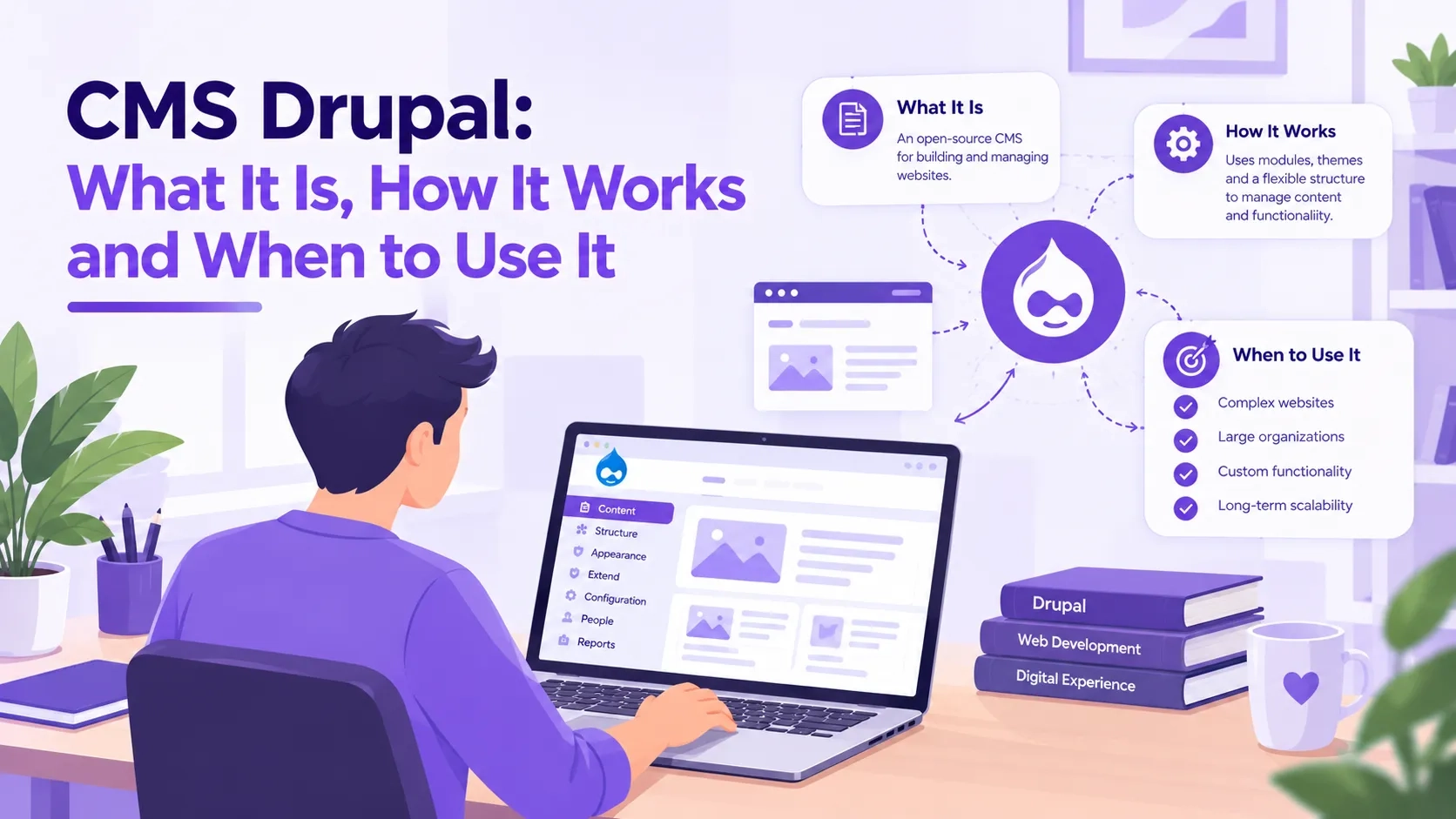
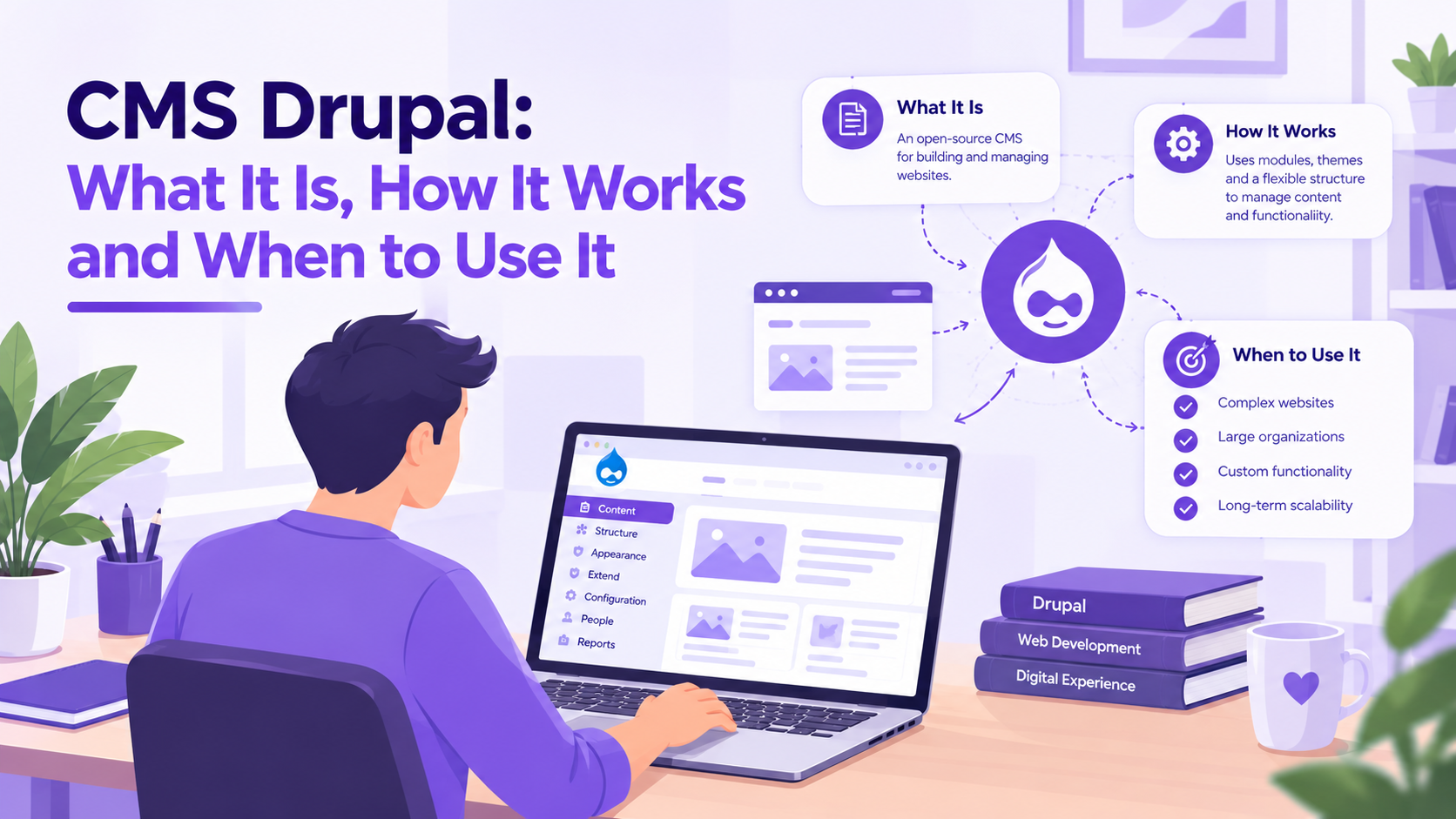
CMS Drupal: What It Is, How It Works and When to Use It
 October 23, 2026
Drupal is a content management system that has been running some of the most demanding public-sector and enterprise websites in the world for over two decades. The BBC, UNICEF, Tesla and hundreds of government agencies use it because it handles complex content structures, strict access controls and high traffic in ways that lighter platforms cannot match.
This guide explains what Drupal is, how it works as a CMS, what changed with Drupal CMS 2.0 in January 2026, how it compares to WordPress, and how to decide whether Drupal is the right choice for a project.
1. What Drupal Is as a Content Management System
Drupal is a free, open-source CMS written in PHP and maintained by a global contributor community. It stores content in a database, applies logic through its core and module layer, and renders output through a theme layer. The three layers — content, logic, presentation — are kept separate, which means updating the site's design does not require touching the content, and updating modules does not require changing the theme.
Drupal is built around a flexible content model. Every piece of content on a Drupal site is a node of a defined content type — a content type is a set of fields, and each field has a type: text, image, date, link, entity reference and so on. Site builders define the content types their site needs and configure the fields on each type. A news site might have Article, Press Release and Event types, each with different fields. A government site might have Policy, Department and Consultation types. The content model fits the organisation's information architecture rather than forcing the organisation to fit the CMS's defaults.
Drupal's access control system works at the role and permission level. Each user role gets a specific set of permissions: which content types they can create, which they can edit, which they can publish, which they can delete, and whether they can access the administration interface at all. Content can also be given access restrictions at the node level, controlling which users or roles can read it. This granularity is what regulated sectors — government, healthcare, finance — require from a CMS.
2. Drupal's Core Architecture: Modules, Themes and the Hook System
Drupal's functionality is built from modules. Core modules ship with Drupal and provide essential features: Node (content), User (accounts), Views (data queries and displays), Block (page regions), Menu (navigation), Path (URLs), Taxonomy (classification) and more. Contributed modules, available at drupal.org/project/modules, extend the platform with e-commerce, forms, media management, search, workflow, editorial tools and thousands of other capabilities. Custom modules add site-specific logic.
Themes control how content is presented. A Drupal theme is a collection of Twig templates, CSS, JavaScript and a configuration file (themename.info.yml). Each template defines the HTML structure for a content type, a block, a page region or a specific view mode. Themes inherit from a base theme — Olivero is Drupal core's default frontend theme, Claro is the admin theme — and override only the templates that need changing.
The hook system and plugin API are how modules interact. A module that needs to alter a form, respond to a content save, modify a query result or add to a render array does so through hooks — PHP functions named after the hook with the module's name as a prefix. The plugin API provides a structured, object-oriented alternative for swappable components like field types, form elements, blocks, layout plugins and more.
Drupal 10 and Drupal 11 moved the platform entirely onto Symfony components, Composer-based package management and modern PHP practices. Every Drupal 10 or 11 site installs and updates through Composer, which handles the Drupal core package, contributed modules and third-party PHP libraries as a unified dependency graph.
3. Drupal CMS 2.0: What Changed in January 2026
Drupal CMS is a pre-configured distribution of Drupal that bundles modules, configuration and an editorial experience aimed at marketers and content teams who need to build and manage sites without writing code. Drupal CMS 2.0 was released on 28 January 2026 and runs on Drupal Core 11.3.
Canvas visual builder
Canvas is a React-based visual page builder introduced in Drupal CMS 2.0. It provides a drag-and-drop interface where editors build pages from components with live preview. Unlike Layout Builder, which is Drupal's core layout tool, Canvas extends the theme's regional structure with a component-driven editing experience that requires no configuration of block regions or layout sections through the admin interface. Editors work directly on the page.
Site templates
Drupal CMS 2.0 introduced site templates — near-complete starting points for defined use cases. The first template, Byte, targets SaaS product marketing sites. It includes predefined content types, example content, configured integrations and a purpose-built theme. Site templates reduce the setup time from days of configuration to a working starting point the team can customise.
AI tools
Drupal CMS 2.0 includes optional AI tools: prompt-based page generation, an admin chatbot and automatic image alt-text creation. AI-generated content goes through a human review step before publishing. Supported AI providers include OpenAI, Anthropic and amazee.ai. GDPR-compliant deployment configurations are available for organisations with data residency requirements.
Performance
Drupal Core 11.3, the version Drupal CMS 2.0 runs on, delivers a 26–33% increase in request processing efficiency compared to earlier Drupal 11 releases. The improvement comes from reduced database load in core rendering and caching paths.
4. Installing Drupal: The Composer Workflow
All Drupal 10 and 11 sites install through Composer. The recommended starting point is the Drupal project template, which sets up Drupal core, the directory structure and the necessary Composer configuration.
Standard installation steps:
- Run composer create-project drupal/recommended-project my-site to create a new Drupal project. Composer downloads Drupal core and its dependencies into the my-site directory.
- Configure a web server (Apache or Nginx) pointing its document root at the web/ subdirectory inside the project
- Create an empty MySQL or PostgreSQL database and a database user with full privileges on it
- Open the site in a browser. The Drupal installer runs at /core/install.php. Select a language, choose an installation profile (Standard, Minimal or Demo), enter database credentials and configure the site name and admin account
- After installation, install contributed modules with composer require drupal/module_name, then enable them under Extend (/admin/modules)
Installing Drupal CMS
Drupal CMS has its own project template. Run composer create-project drupal/cms my-site to install the full Drupal CMS distribution, which includes Canvas, the AI tools package and the recommended module set pre-configured. The installer then walks through selecting site templates and AI provider configuration.
5. Content Modeling in Drupal: Types, Fields and Views
The Drupal content model is built at Structure > Content Types. Each content type is defined with its own set of fields. Fields have a field type (text, body, image, date, entity reference, link, number, file) and a widget that controls how editors enter data. Display settings control how the field renders in each view mode — full, teaser, search result.
The Views module turns content stored in the database into configurable lists, grids, tables and feeds. A View defines what to query (content type, taxonomy term, user), how to filter it (published status, date range, taxonomy term), how to sort it and how to display the results. Views can be exposed to the user as a form — a site search interface with filters the visitor controls — or kept as configured backend queries.
Taxonomy provides structured classification. Each vocabulary is a set of terms — a Tags vocabulary might have hundreds of freeform terms, a Department vocabulary might have a fixed set of twelve. Content types reference taxonomy terms through entity reference fields, and Views filters use taxonomy terms to segment content into topic-specific pages or feeds.
Multilingual support is built into Drupal core. The Language, Content Translation, Interface Translation and Configuration Translation modules enable per-language content, per-language configuration (menus, views, block placement) and interface string translation. A government site that serves content in multiple official languages configures this through core modules without contributed additions.
6. Drupal vs WordPress: The Real Differences
WordPress holds approximately 60% of the CMS market. Drupal holds approximately 1% overall, but among the top 10,000 highest-traffic sites, Drupal's share is 7.2% versus WordPress's 49.4%. That concentration reflects who Drupal is built for.
Security
Drupal has a dedicated Security Team that publishes advisories on a fixed schedule and reviews security reports from the community. WordPress's plugin ecosystem — the source of 55.9% of known WordPress attack entry points according to Wordfence — creates a wider attack surface because plugin quality varies. A Drupal site with only vetted contributed modules and core updates applied is harder to compromise than a WordPress site with a large plugin set, even when both are kept current.
Content structure
Drupal's native content model handles arbitrary field structures, multiple entity types, cross-entity relationships, revision workflows and granular permissions without plugins. WordPress stores everything as posts with meta fields — sufficient for publishing but not for complex information architectures. Adding enterprise content modeling to WordPress requires ACF, custom post types, custom taxonomies and custom user roles configured through third-party plugins. Drupal provides all of that through core.
Developer curve and team cost
WordPress has a far larger pool of developers and a lower average hourly rate. Drupal development requires familiarity with Symfony, Composer, Twig, the hook system and the Drupal plugin API. The initial build costs more. Over a five-year horizon on a complex site, Drupal's lower maintenance overhead — fewer security patches for third-party plugins, more stable APIs, no need to replace unmaintained plugins — often makes the total cost comparable.
When to choose Drupal
Drupal fits regulated sectors, multilingual sites, sites with complex editorial workflows, government digital services and any platform where content structure and access control are not optional. WordPress fits marketing sites, blogs and campaigns where speed of setup, content ease and design flexibility matter more than information architecture.
7. Drupal 10, Drupal 11 and the Upgrade Path
Drupal 10 reaches end of life on December 9, 2026. Sites that have not migrated to Drupal 11 by that date will run on an unsupported platform that receives no security updates.
Drupal 10 to 11 upgrade
Upgrading from Drupal 10 to Drupal 11 is the easiest major version upgrade Drupal has had. The steps are: update all contributed modules to their Drupal 11 compatible releases, update the PHP version to 8.3 or later, run composer require drupal/core:^11 and then run the database update script with drush updb. Most well-maintained Drupal 10 sites can complete the upgrade in hours rather than weeks.
Drupal 8 and 9
Drupal 8 reached end of life in November 2021 and Drupal 9 in November 2023. Any site still on those versions is running without security coverage. The migration from Drupal 7 to Drupal 10 or 11 is a full rebuild using the Migrate API, which provides source plugins for Drupal 7 database tables and destination plugins for Drupal 10/11 entities. This is a substantial project that typically requires a Drupal agency or experienced Drupal developer.
Current stable release
Drupal 11.3 is the current stable release as of 2026. It runs on PHP 8.3+, is built on modern Symfony components and supports the full Composer-based workflow. Drupal CMS 2.0, the pre-configured distribution, runs on Drupal 11.3 and is the recommended starting point for new sites that want the Canvas editor and AI tools out of the box.
Common Questions — Answered Directly
What is Drupal used for?
Drupal is used to build and manage websites that require complex content structures, granular access controls, multilingual support and high scalability. Government portals, university sites, news platforms, enterprise intranets, e-commerce sites and digital experience platforms are the most common use cases. The BBC, UNICEF, Tesla and hundreds of national and local government agencies run on Drupal.
Is Drupal free?
Yes. Drupal is free to download, install and use under the GNU General Public License. The software itself has no licensing cost. Running a Drupal site has the same costs as any self-hosted web application: server infrastructure, domain registration and the cost of any development or agency work needed to build and maintain it.
What is Drupal CMS 2.0?
Drupal CMS 2.0 is a pre-configured distribution of Drupal, released on 28 January 2026, that bundles Canvas (a visual page builder), optional AI tools for content generation and alt-text, site templates including Byte for SaaS marketing sites, and a curated module set. It runs on Drupal Core 11.3 and is aimed at teams that want to build and manage sites without writing code. Standard Drupal, installed from the drupal/recommended-project template, gives full control to developers; Drupal CMS gives a ready editorial experience to non-developers.
How is Drupal different from WordPress?
Drupal handles complex content models, granular permissions, multilingual sites and structured editorial workflows through its core without plugins. WordPress is faster to set up and has a larger developer pool but relies on plugins for enterprise content modeling and access control, which increases the security attack surface. WordPress dominates small business and publishing; Drupal dominates regulated sectors, government and high-traffic enterprise sites.
Does Drupal work with Drupal 11?
Yes. Drupal 11 is the current stable major version. Drupal CMS 2.0 runs on Drupal 11.3. Drupal 10 reaches end of life on December 9, 2026, so all Drupal 10 sites need to upgrade to Drupal 11 before that date. The upgrade from Drupal 10 to 11 is straightforward for well-maintained sites — update modules, update PHP to 8.3+, run composer require drupal/core:^11, then run database updates.
How do I install Drupal?
Run composer create-project drupal/recommended-project my-site to create a new Drupal project. Point a web server at the web/ subdirectory, create a database, then open the site in a browser to run the graphical installer. For Drupal CMS with Canvas and AI tools pre-configured, run composer create-project drupal/cms my-site instead. The Drupal CMS installer includes an onboarding step for site templates and AI provider setup.
Action Checklist
- Confirm your Drupal version — Drupal 10 reaches end of life December 9, 2026; upgrade to Drupal 11 now if you have not done so
- For a new site, decide between standard Drupal (composer create-project drupal/recommended-project) and Drupal CMS (composer create-project drupal/cms) based on whether the team needs the Canvas editor and AI tools
- Define your content model before building — plan content types, their fields and their relationships before configuring anything in the admin
- Set up user roles and permissions matching the editorial workflow — who can create, who can edit, who can publish, who can administer
- Enable the Automated Cron and Database Logging core modules and configure a monitoring tool so performance and error issues surface early
- Apply security advisories promptly — follow the drupal.org security advisories RSS feed or subscribe to the security email list
- Run drush status regularly to check update availability for core and all installed modules
Get a free Drupal audit → drupalify.com/free-audit

Dixit Patel
Web Developer & BloggerI write about web development, programming tips, and Drupal Commerce solutions. Follow me for tech tutorials and updates.

Struggling with
Let Us Audit Your Website for Free & Share Actionable Fixes