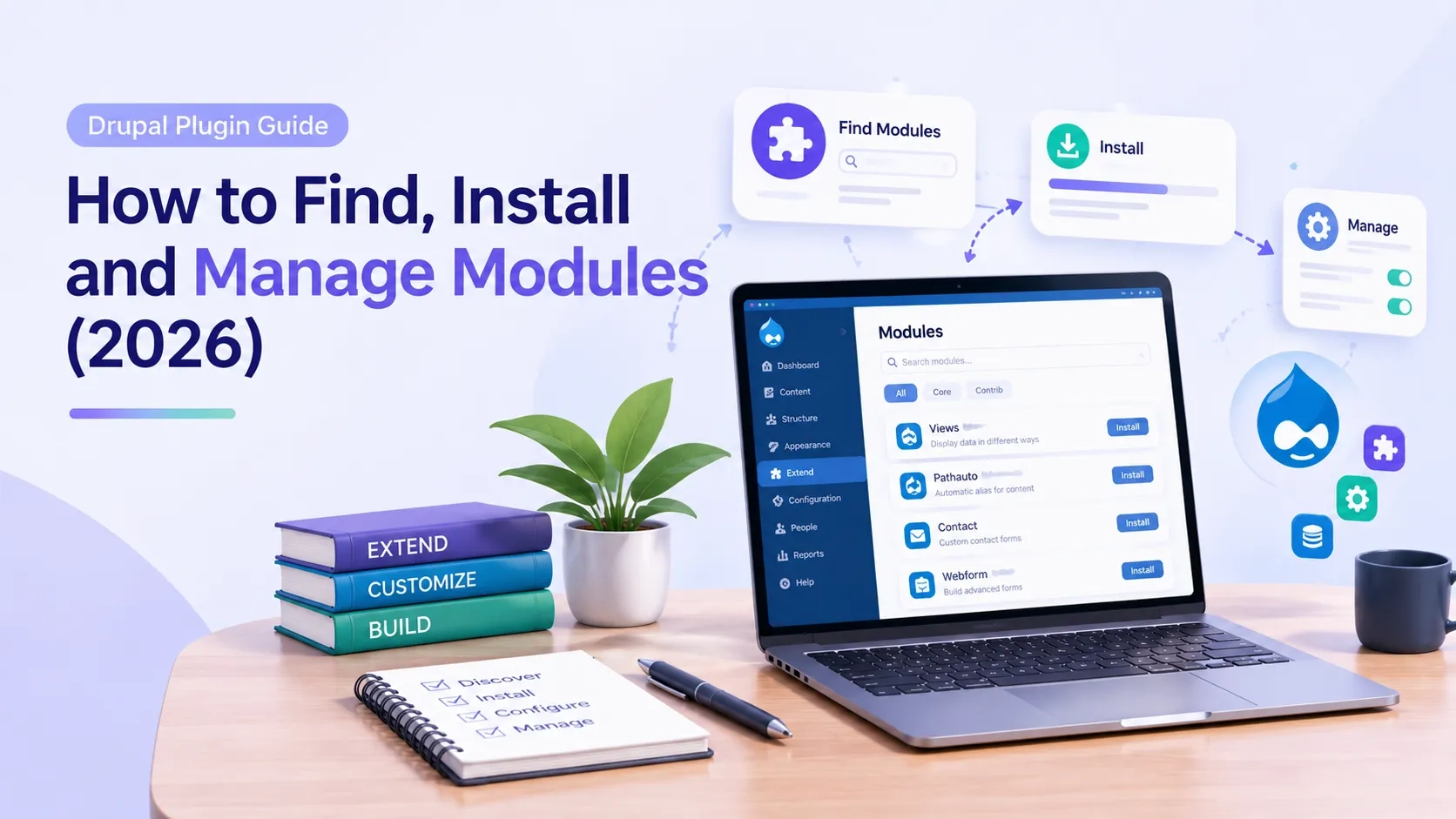
Drupal Plugin Guide: How to Find, Install and Manage Modules (2026)
 October 23, 2026
Drupal and WordPress use different words for the same idea. In WordPress it is a plugin. In Drupal it is a module. The two terms mean the same thing in practice — an extension that adds functionality to the site — though inside Drupal's own architecture, the word plugin has a more specific technical meaning.
This guide covers how the module system works, how to find and install contributed modules safely, and which modules belong on every professional Drupal 10 and 11 site.
1. What Is a Drupal Plugin?
The word plugin means two different things in Drupal, and the distinction matters.
In everyday usage, a Drupal plugin refers to a contributed module — a package of code that extends what Drupal does by default. These are downloaded from drupal.org and installed alongside Drupal core. There are thousands of them, and they are free.
In Drupal's technical architecture, a plugin is something more specific — a unit of swappable functionality within a plugin type. Drupal's block system, field formatter system, image effects system and authentication providers are all built on this plugin architecture. Developers who build custom modules work with this system directly.
For site owners and content teams, the relevant meaning is the first one. When someone says "is there a Drupal plugin for that," they mean "is there a contributed module on drupal.org that does this." The answer is almost always yes.
2. Core Modules vs Contributed Modules vs Custom Modules
Drupal ships with a set of core modules — functionality that is part of Drupal itself. Views, the Block system, the Media module, Layout Builder and the Text Editor are all core modules. They are maintained by the Drupal core team and updated with every Drupal release.
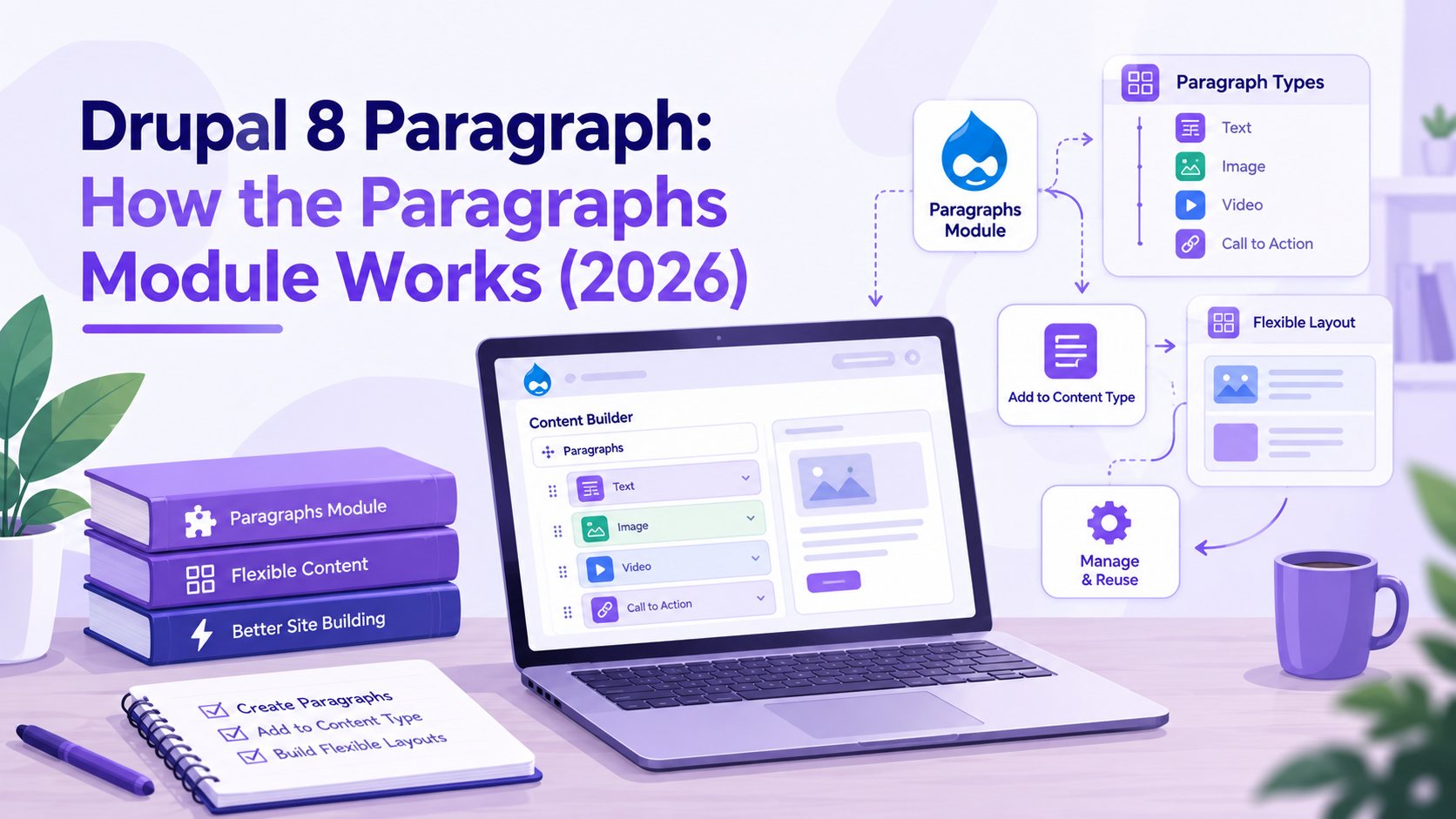
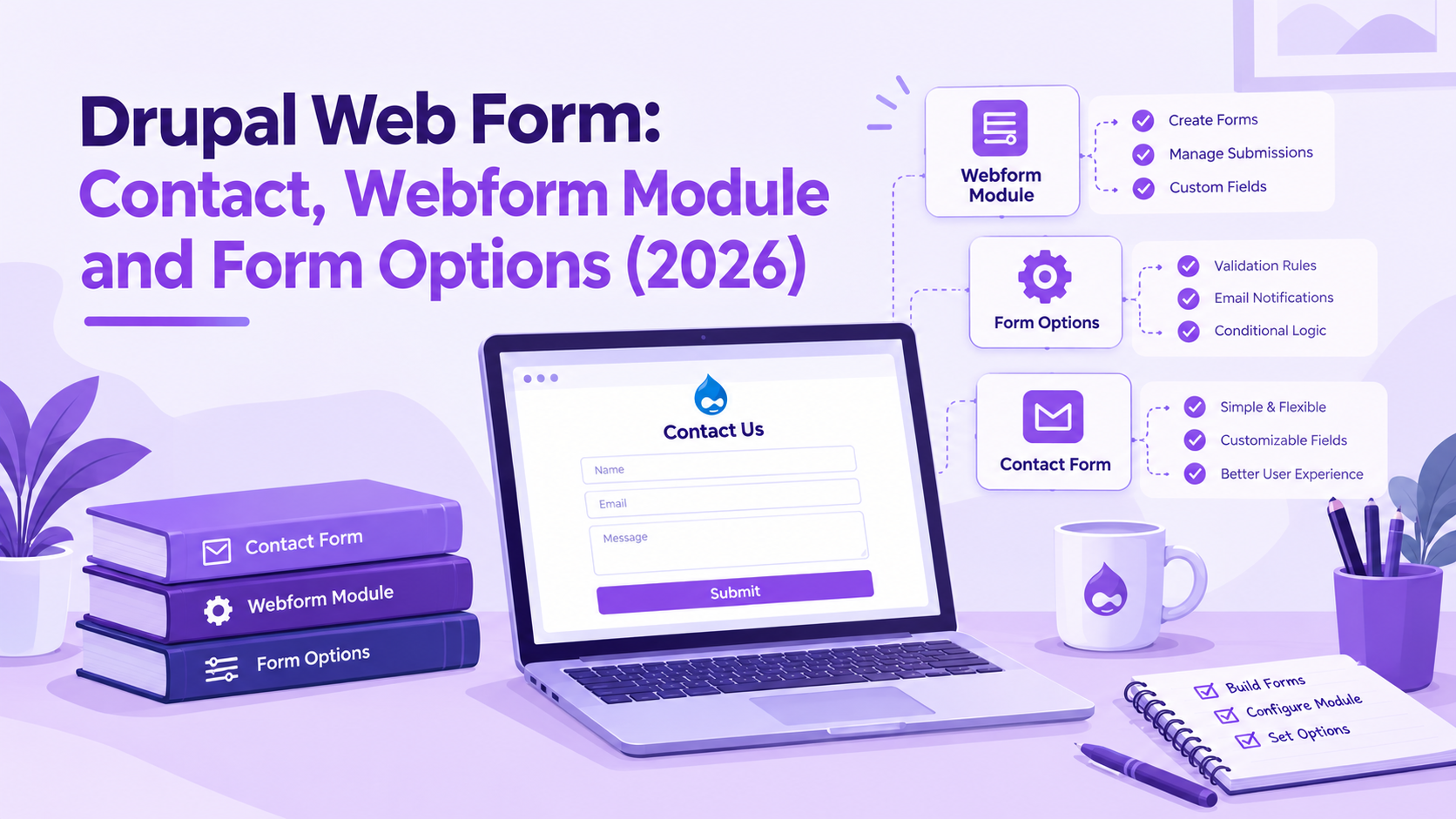
Contributed modules are built and maintained by the Drupal community. They live on drupal.org/project and are installed separately from core. The webform module, the Paragraphs module, Pathauto, Metatag and Redirect are all contributed modules. They have their own release schedules and their own maintainers.
Custom modules are built specifically for a site by its development team. These handle business logic, integrations and functionality that no contributed module covers. They live in the site's own codebase and are not shared publicly.
Most Drupal sites run a combination of all three. Core handles the foundation, contributed modules extend it, and custom modules handle what is unique to that site.
3. How to Find the Right Drupal Module
The starting point for finding any contributed Drupal module is drupal.org/project/project_module. You can search by name or keyword and filter by compatibility — always filter for Drupal 10 or 11 depending on your version.
Before installing any module, check four things:
- Drupal version compatibility — the module must explicitly support your Drupal version
- Active installs — a module with 100,000+ installs is widely trusted; one with 200 installs needs more scrutiny
- Last release date — a module with no release in two or more years may be abandoned
- Issue queue — check the open issues on the module's drupal.org page to see if there are known bugs or security problems
The Drupal community also maintains a list of modules that are considered security-covered — these have gone through a review process and receive security advisories when vulnerabilities are found. Stick to security-covered modules for anything that handles user data, payments or authentication.
4. Installing a Drupal Module Using Composer
Drupal 9 and later use Composer to manage all module dependencies. Manual file uploads — the old way of installing modules — are not recommended and can break the dependency chain. Every module should go through Composer.
The installation process for any contributed Drupal module:
- Run composer require drupal/[module-name] in your project root. This downloads the module and any libraries it depends on.
- Go to Extend (/admin/modules) in the Drupal admin. Find the module in the list and check its checkbox.
- Click Install at the bottom of the page. Drupal enables the module and runs any required database updates.
- Run drush updb if you use Drush, to apply any database schema changes the module requires.
Some modules include sub-modules — additional optional components that can be enabled separately. The webform module, for example, includes Webform UI, Webform Node and Webform Access as separate sub-modules, each enabling a different part of its functionality.
Always back up your database before enabling new modules on a production site. Test on a staging environment first.
5. The Most Important Drupal Modules for Production Sites
Some modules appear on nearly every production Drupal site because the problems they solve are universal. These are the ones maintained by active teams, with security advisory coverage and a long track record.
- Webform — the standard Drupal form builder. Over one million active installs. Handles contact forms, registration, surveys and multi-step workflows. Webform 6.3.0 is the first stable release for Drupal 11.
- Pathauto — generates clean, SEO-friendly URL aliases automatically based on patterns you define. Without it, Drupal generates node/1, node/2 style paths.
- Metatag — manages meta titles, meta descriptions, Open Graph tags and structured data across the site. Essential for any site that cares about search visibility.
- Token — provides dynamic text tokens used by Pathauto, Metatag, Webform and many other modules. It is rarely used directly but is a dependency for most of the modules above.
- Redirect — manages 301 and 302 redirects through the admin UI. Essential for any site that has changed URLs or migrated from another platform.
- Views — part of Drupal core since Drupal 8, Views lets you build custom content listings, tables, grids and feeds without writing code. Used on virtually every Drupal site.
- Upgrade Status — checks all installed modules and themes for compatibility with the next major Drupal version. Run this before any major version upgrade.
- Admin Toolbar — replaces the standard Drupal admin toolbar with a dropdown menu structure that is significantly faster to navigate. Not a functional module but saves considerable time for anyone working in the Drupal admin regularly.
6. Keeping Drupal Modules Updated
Unlike WordPress, Drupal modules do not auto-update. Security updates for contributed modules must be applied manually. This is one of the most important ongoing maintenance tasks for any Drupal site.
Drupal releases security advisories every Wednesday when there are vulnerabilities to report. These advisories cover both core and contributed modules. Any module that receives a security advisory needs to be updated before that vulnerability is actively exploited.
How to check for and apply module updates:
- Run composer outdated drupal/* to see which modules have newer versions available
- Run composer update drupal/[module-name] to update a specific module
- After updating, run drush updb and drush cr to apply database updates and clear caches
- Check the release notes for each update before applying on production — some updates include breaking changes
Drupal's Available Updates report at /admin/reports/updates also shows which modules need updating directly in the admin interface, along with whether available updates are security releases.
7. When to Use a Contributed Module and When to Build Custom
Forms, SEO metadata, URL aliases, redirects — these are solved problems. Writing custom code to replicate what a well-maintained contributed module already does creates maintenance burden without adding anything. Evaluate what exists before building.
Custom modules belong where the requirement is genuinely specific to the site — an integration with an internal system, a pricing calculation tied to business logic, a workflow no contributed module covers. That is what custom development is for.
When evaluating a contributed module:
- Check whether it is in the Drupal security advisory coverage — this matters more than install count for anything touching sensitive data
- Read through the issue queue for open bugs that affect your use case
- Check the module's compatibility with your specific Drupal minor version, not just the major version
- Evaluate whether the module's approach to the problem matches yours — some modules are technically compatible but architected in ways that create friction
Common Questions — Answered Directly
What is the difference between a Drupal plugin and a Drupal module?
In everyday language they mean the same thing — an extension that adds functionality to Drupal. Technically, Drupal uses the word module for installable packages and the word plugin for reusable components within its internal architecture. Most people use plugin and module interchangeably.
Are Drupal modules free?
Contributed modules on drupal.org are free and open source. Some modules have commercial companion products or premium support options, but the modules themselves cost nothing. Drupal core is also free.
How many modules does Drupal have?
As of 2026, drupal.org lists over 50,000 contributed modules. Not all are actively maintained, and not all are compatible with current Drupal versions. Filtering by Drupal 10 or 11 compatibility and active maintenance status narrows the list considerably.
Can I install Drupal modules without Composer?
Technically yes, but it is not recommended for Drupal 9 and later. Drupal's dependency management relies on Composer to resolve and track module dependencies. Installing modules manually bypasses this and can cause conflicts. Use Composer for all module installations on modern Drupal sites.
How do I uninstall a Drupal module?
Go to Extend > Uninstall in the Drupal admin, find the module and uninstall it. Once uninstalled, run composer remove drupal/[module-name] to remove it from your codebase. Always uninstall before removing — removing the files without uninstalling can leave orphaned data in the database.
Do Drupal modules work across major versions?
Not automatically. A module built for Drupal 9 needs a release that explicitly supports Drupal 10. A Drupal 10 module needs a separate release for Drupal 11. Before upgrading Drupal versions, run the Upgrade Status module to check which of your installed modules have compatible releases available.
Action Checklist
- Confirm your Drupal version — Drupal 10 reaches end of life December 9, 2026
- Audit installed modules — remove any that are unused, unmaintained or incompatible with your current version
- Run composer outdated drupal/* to identify modules with available updates
- Apply any security release updates immediately — check drupal.org/security for current advisories
- Install Upgrade Status and run a compatibility check before any major version migration
- Confirm Pathauto, Metatag and Redirect are installed and configured if SEO matters to your site
- Test all module updates on a staging environment before applying to production
Get in touch → drupalify.com/contact

Dixit Patel
Web Developer & BloggerI write about web development, programming tips, and Drupal Commerce solutions. Follow me for tech tutorials and updates.
Struggling with
Let Us Audit Your Website for Free & Share Actionable Fixes